
- 1) Open itunes app
- 2) Power off the iPad
- 3) Hold down both the Home button
- 4) Connect the device to MGR computer using a USB cable.
- 5) When you see the iPad cable & Apple logo in a black screen, then let go
https://www.youtube.com/watch?v=XJanCW0goks
6) iTunes will prompt you to reset & update
7). On top, right hand corner, check the download status.
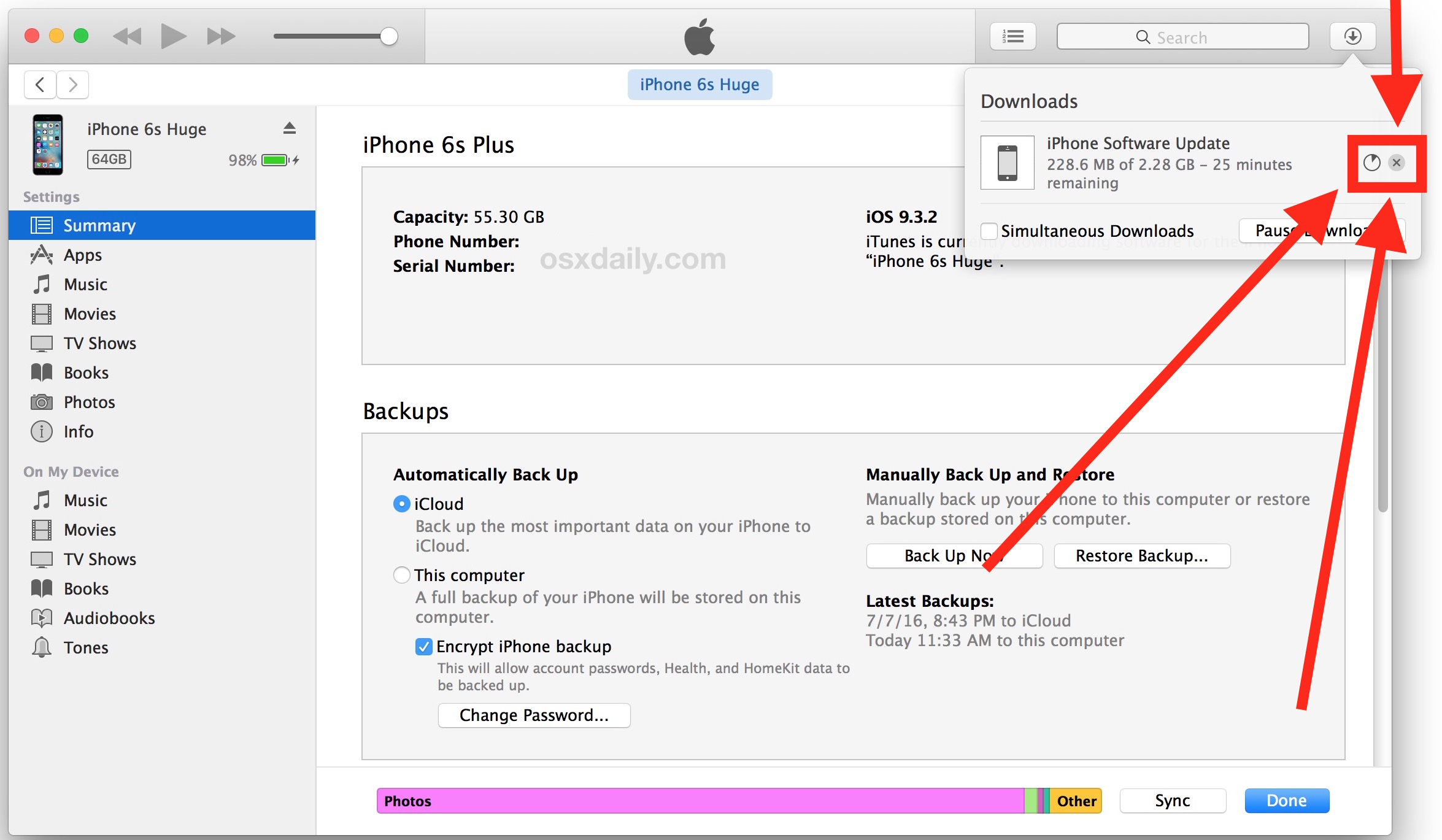
Periodically check the download update (May take an hour), slow internet connection may time out the download process & you need to resume by plugging iPad back into computer to resume.
9) You should start and see the iPad reboot & show a status bar