Option 6: Open Computer Management Using Cortana Search
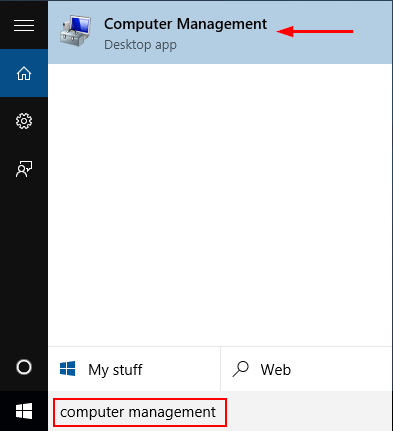
The fastest way to open Computer Management in Windows 10 is to use the Cortana Search. Click on Cortana Search box from the taskbar, enter the words “computer management” and then click the Computer Management shortcut.
Option 7: Open Computer Management from Control Panel
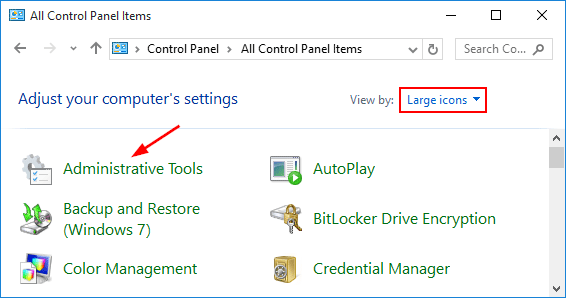
Open Control Panel in Large or Small icons view. Click Administrative Tools.
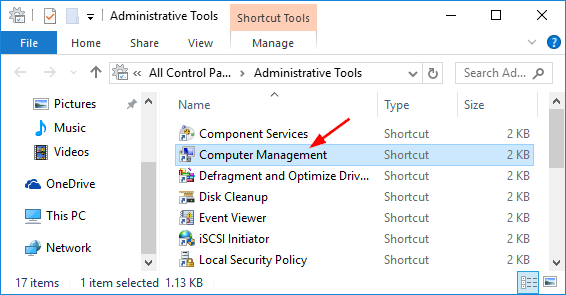
A new window will open. From there you can click on the Computer Management shortcut.