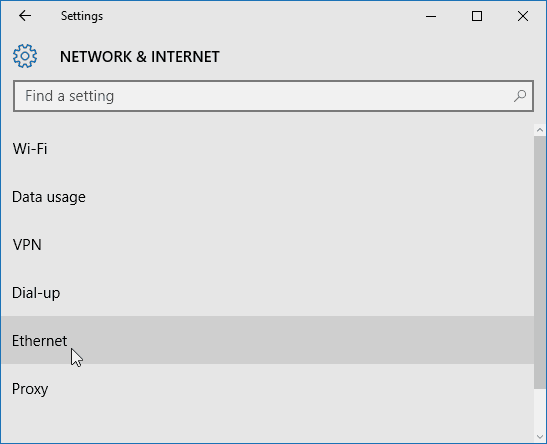
Go to Settings > Network & Internet. Then select either Wi-Fi or Ethernet (depending on how the device connects). In this example, I’m connected to Ethernet.
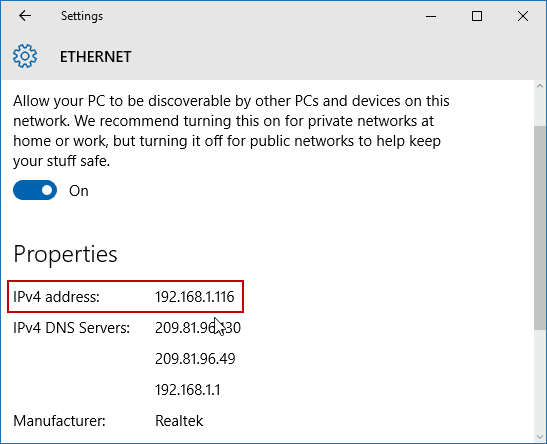
Then select the Ethernet Connected icon. Scroll down to the Properties section and you’ll see your IPV4 address information.